Internal company communication
A company messenger on your servers
Acquisition plans, salary negotiations, and HR matters circulate today on messengers whose terms of service no one has read. We deploy a dedicated channel: a server on your premises, end-to-end encryption, and an AI assistant on the same network.
In practice
Team-only channel
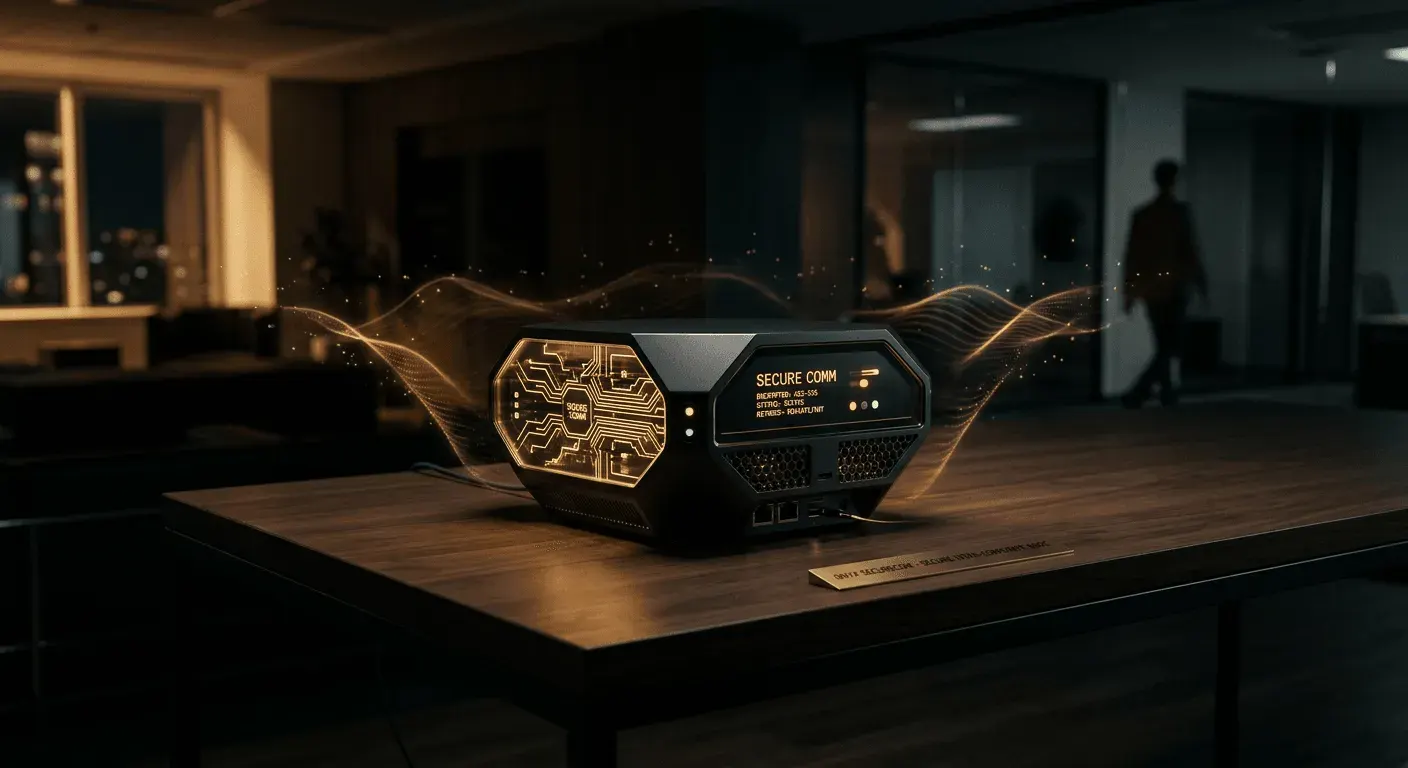
The communications hub is a server at your premises running your team messaging platform and language model. No account with an external provider and no traffic routed through someone else’s data centers.
This is usually where you handle conversations you don’t want leaving the company: board meetings, HR, projects before they are announced, and correspondence with your law firm. Everything else can stay where it is. We won’t ask you to move the entire company at once.
We select hardware based on how the network operates, not just the number of accounts. A closed node that does not exchange traffic with servers outside the company starts with 6 cores, 16 GB of memory, and 50 GB of system disk space.
This is enough for 500 accounts. For 501–2,500 accounts, the allocation for the conversation server alone increases. When traffic with servers outside the company is allowed, the same node needs 8 cores and 32 GB.
The assistant does not make decisions on its own. It summarizes the discussion and extracts deadlines and tasks. The meeting facilitator decides what goes into the minutes.
Employee correspondence contains personal data, so we configure message retention and log scope to match your security policy.
-
How it works
Messages, files and threads are encrypted between devices, and the server runs on your premises, not in someone else’s cloud. The language model connected to it summarizes long threads and searches for decisions, but works only within this network.
-
Integrations
We use accounts from your company directory, so anyone who leaves the company loses access that same day. We connect your calendar, drive and ticketing system as sources for the assistant to read, always within each person’s permissions.
-
Who decides
Your administrator, not us, sets the keys and how long messages are stored. On a closed network, the database grows by 0.6 GB per active account per year. We access the service only when you grant us access, and every session is recorded in a log you can review.
Problem
Where does the confidentiality of a company chat end?
HEXART solution
Conversations and files stay on a server hosted on your premises, and your administrator holds the keys. The assistant summarizes and organizes threads, while the person leading the meeting approves the decisions.
Discuss a private networkQuestions and answers
Frequently asked questions
What hardware does an encrypted business messenger require?
Up to 500 accounts, a closed node is sufficient: 6 cores, 16 GB of memory and a 50 GB system disk. For 501–2,500 accounts, allocate more resources to the call server. A node that exchanges traffic with servers outside the company needs 8 cores and 32 GB.
Do you need to move your entire company to a new messaging platform?
No. It usually covers the conversations you do not want leaving the company: board discussions, HR matters, projects before announcement, and correspondence with legal counsel. Everything else can stay where it is.
Who holds the encryption keys?
Your administrator. They also set how long messages are stored. We access the service only after someone on your team grants us access, and each access is logged.
What does the AI assistant do within this network?
Summarises long threads, finds decisions, and extracts deadlines and tasks. Always within each person’s permissions and strictly inside the network. The meeting host approves what goes into the minutes.
No-obligation call
Schedule a workshop with Paul
Choose thirty minutes or a full workshop. Book a time slot in the calendar, receive immediate confirmation.

Paul Lazniak
HEXART Founder
- Meeting always with the same person
- 30 min
- biuro@hexart.pl
- +48 662 016 430

Contact
Let us talk about your project
We will show you a working product before we start talking about it. Let us know what you need: a film, an XR environment, an AI system, or brand identity.
Write or call
A few sentences are enough: what needs to be created, by when and for whom.
- biuro@hexart.pl
- Phone
- +48 662 016 430
- Address
- Aleja Zwycięstwa 96/98, 81-451 Gdynia